


In today’s digital world, social media is a big part of our lives. TikTok, especially, has become a place where people share fun videos, learn new things, and even build careers. But just like you lock the front door of your house, you need to lock down your online world too. Learning how to secure a TikTok account from hacking is no longer just a good ideait’s a must.
Imagine waking up one day to find your videos gone, strange posts you never made, or worse, your personal information in the wrong hands. It happens more often than you think. The good news? Protecting yourself is easier than you might believe. This guide will walk you through every simple step to build a strong wall around your profile. For those who are serious about growing their presence, having a safe foundation is the first step. Many successful creators choose to Buy Monetized accounts from trusted sources to start on the right foot, but securing that account is what keeps it safe long-term.
We will cover everything from basic tips to advanced settings. By the end, you will feel confident and in control. Let’s dive in and make your TikTok world a safer place.
Understanding Why You Need to Protect Your TikTok Account
Before we get into the how, let’s talk about the why. You might think, I’m just a regular person; why would a hacker want my account? The truth is, hackers often don’t target you specifically. They use automated tools to scan for weak spots. They want your account to send spam, run scams on your friends, or steal your personal data to break into your other, more important accounts like email or banking.
Your TikTok profile is a digital version of you. It holds your private messages, your location data (if you allow it), and connections to your followers. If someone takes it over, they can damage your reputation. That is why understanding TikTok account security is so important for everyone, whether you have ten followers or ten million. It is about keeping your digital identity safe.
Spot the Warning Signs Early

The best way to fight hackers is to catch them before they do real damage. Your account often sends out little signals when something is wrong. Knowing these signs is the first part of a good TikTok account protection plan.
Common Signs of Trouble:
- Strange Messages: Your friends start asking about weird DMs or links you supposedly sent them.
- Profile Changes: Your bio, profile picture, or display name changes without you touching it.
- Unknown Videos: You see videos in your post history that you never uploaded.
- Login Alerts: You get an email or text about a login from a new device or location you don’t recognize.
- Password Problems: Your usual password suddenly stops working.
If you notice any of these, don’t panic. But do act fast. The quicker you move, the easier it is to kick the bad guys out. This is the core of how to prevent TikTok account hacking before it gets out of hand.
Step 1: Build Your First Line of Defense
Use a Strong Password for TikTok

Think of your password as the key to your digital house. If it’s a simple key, it’s easy to copy. A strong password is your first step in how to protect TikTok account from hackers.
How to Create a Great Password:
- Make it Long: Use at least 12 characters. Longer is always better.
- Mix It Up: Combine uppercase letters, lowercase letters, numbers, and symbols (like !, @, or #).
- Avoid the Obvious: Don’t use your name, your pet’s name, your birthday, or simple patterns like 123456 or password.
- Make it Unique: This is huge. Never use the same password for TikTok that you use for your email, Instagram, or online banking. If one site gets hacked, hackers will try that same email and password combination everywhere else.
If you have trouble remembering complex passwords, consider using a password manager. It’s an app that stores all your passwords securely, so you only have to remember one master password.
Keep Your Login Info Updated
Your email and phone number are your safety nets. If you ever forget your password or need to prove who you are, TikTok uses these to help you get back in.
Go to your settings right now and make sure the phone number and email address linked to your account are current. If you get a new phone number or change your email, update it on TikTok immediately. This is a simple TikTok account security tip that saves a lot of headaches later.
Step 2: Supercharge Your Security with 2FA
What is Two Factor Authentication TikTok?
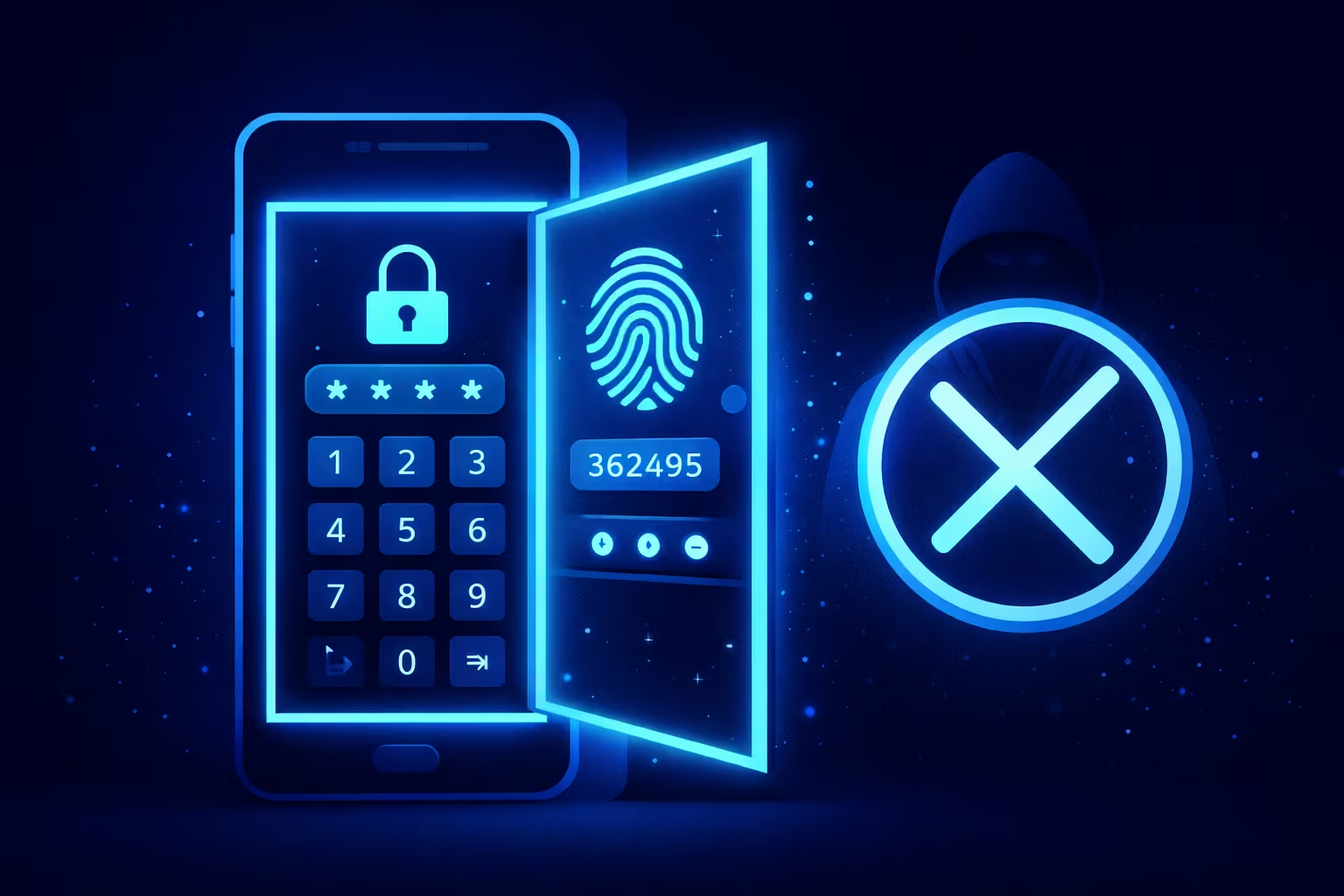
This is the single most powerful tool in your security toolbox. It is often called two-step verification. It works like this: when you log in from a new phone or computer, you need two thingsyour password and a special code that TikTok sends to you.
So, even if a hacker steals your password, they can’t get in because they don’t have your phone to get that special code. Turning on two factor authentication TikTok raises a huge wall against intruders.
How to Set It Up
Setting it up is quick and easy. Just follow these steps:
- Open the TikTok app and go to your Profile.
- Tap the three-line menu in the top right corner and select Settings and privacy.
- Tap Security, then look for Two-step verification (or Two-factor authentication).
- Choose your methods. You can pick:
- Text message (SMS): TikTok sends a code to your phone.
- Email: TikTok sends a code to your email.
- Authenticator app: This is the strongest option. Apps like Google Authenticator or Duo Mobile generate codes even without an internet connection.
Turn on at least two of these options. This way, if you lose access to one method, you have a backup. TikTok has been pushing this feature hard, and in 2026, many regions are even making it mandatory for sellers because it is so effective at stopping account takeovers.
Step 3: Manage Your Digital Footprint
Review TikTok Trusted Devices
You probably log into TikTok from different places: your phone, maybe a tablet, or even a computer. TikTok keeps a list of all these devices. You need to check this list regularly.
Here’s how to manage your TikTok trusted devices:
- Go to Settings and privacy.
- Tap Security, then tap Manage devices.
- You will see a list of all the devices currently logged into your account or that have logged in recently.
Look at this list carefully. See a phone model you don’t own? A login from a city you’ve never visited? If anything looks unfamiliar, click on that device and remove it immediately. This instantly logs that device out of your account, even if it’s happening right now.
The Power of the Security Checkup
TikTok knows security is complex, so they built a tool to help. It’s called the TikTok security checkup. Think of it as a one-stop shop for safety.
You can find it in the Security section of your settings. This tool guides you through a few simple steps to review your account. It checks to make sure your recovery phone and email are set up, it reminds you to turn on 2FA, and it points out any suspicious login TikTok activity. Running this checkup once a month is a great habit to build. It’s like getting a health checkup for your account.
Step 4: Outsmart the Tricksters
Spotting Phishing on TikTok

Hackers don’t just use computers to break in; they try to trick you into letting them in. This is called phishing. They might send you a direct message that looks like it’s from TikTok Support, saying your account will be banned unless you click a link and log in. Or they might send you a free followers offer that takes you to a fake login page.
Remember these rules to avoid phishing on TikTok:
- TikTok will never DM you for your password. If someone asks for it in a message, it’s a scam.
- Check the URL. Before you log in to any page, look at the web address. If it’s not the official TikTok.com, don’t enter your info.
- Don’t click strange links. Even if a friend sends you a weird link (their account might be hacked!), don’t click it. Ask them what it is first.
Protecting your digital space is an ongoing process. To dive even deeper into building an impenetrable defense, you can read our detailed guide on how to Stop Hackers! Few Proven Ways to Secure Your TikTok Account. It offers advanced strategies for those who want to be extra sure their profile is locked down tight.
Be Wary of Too Good to Be True Offers
If someone promises you free followers, free likes, or a quick way to make money, it is almost always a trap. These scammers want you to give them your login info or download malicious software. Stick to growing your account the old-fashioned waywith great content. It is a key part of TikTok account safety.
Step 5: Control Your Privacy Settings
Adjust Your TikTok Privacy Settings
Not all security is about stopping hackers. Some of it is about controlling who can see your stuff and who can interact with you. By locking down your privacy, you make it harder for bad actors to target you in the first place.
Go to Settings and privacy and tap on Privacy. Here you can control:
- Private Account: If you turn this on, only people you approve can follow you and see your videos. This is great for personal accounts.
- Direct Messages: Limit who can send you messages. Set it to Friends or No One to stop strangers from sending you scam links.
- Duet and Stitch: Decide if you want everyone, just friends, or no one to be able to use your videos for duets or stitches. This prevents people from using your content in harmful ways.
Manage Third-Party Apps
Sometimes, you might log into a third-party app using your TikTok account, maybe a video editor or an analytics tool. But over time, you might forget about them. These old connections can become security risks.
To check these, go to Settings and privacy → Security → Manage app permissions. You’ll see a list of every app or website you’ve granted access to your TikTok profile. If you see anything you don’t use or don’t recognize, click Remove. This cuts off that app’s access to your data.
Turn Off Location Services
Do you really need TikTok to know exactly where you are? Probably not. Turning off location services adds a layer of TikTok privacy protection.
You can do this inside the app:
- Go to Settings and privacy.
- Tap Privacy, then tap Location Services.
- Set it to Never.
You can also turn it off at the phone level in your device settings. This prevents the app from tracking your precise movements, which is a big win for your privacy.
Step 6: Keep Your Digital Environment Clean
Keep Your App and Phone Updated
Those app updates that pop up on your phone can be annoying. But they are super important. When companies like TikTok find security holes, they fix them and send out an update. If you don’t update your app, those holes stay open for hackers to crawl through.
The same goes for your phone’s operating system (like iOS or Android). Always install updates as soon as they are available. This is a simple, automatic way to practice TikTok login security.
Log Out of Old Sessions
If you’ve ever logged into TikTok on a friend’s phone or a shared computer, make sure you log out completely. You can also do this remotely using the Manage devices feature we talked about earlier. Force-logging out of old sessions ensures that no one can stumble into your account by opening an app you forgot to close.
What If the Worst Happens?
How to Recover Hacked TikTok Account

Even if you do everything right, sometimes hackers find a way in. If you get locked out, don’t despair. TikTok has a recovery process. Knowing how to recover hacked TikTok account steps is crucial.
- On the login screen, tap Report a problem or Forgot password?
- You will be guided to start a recovery request.
- TikTok will ask you to prove you own the account. Be ready with information like:
- Your username
- The email or phone number linked to the account (even if the hacker changed them, tell TikTok the old ones)
- A description of the device you used to create the account
Be patient and provide as much detail as possible. TikTok’s support team wants to help you get your account back.
If You See a Fake Profile
Sometimes, instead of taking over your account, a hacker creates a new one pretending to be you. This is impersonation, and it can confuse your followers and damage your brand.
To report a fake account:
- Go to the impersonator’s profile.
- Tap the share icon (the arrow) at the top.
- Tap Report, then choose Report account.
- Select Pretending to be someone and follow the steps to tell TikTok it’s impersonating you.
TikTok takes this seriously and will usually remove these fake profiles quickly.
Advanced Tips for Creators
If you are a content creator, your TikTok account is your business. You need even stronger protection.
- Separate Business Email: Use a dedicated email for your TikTok account, separate from your personal email.
- Team Access: If you have someone helping you with videos, never give them your password. Use TikTok’s Manage account features to give them permissions without sharing your login.
- Regular Backups: Keep copies of your best videos saved to your phone or cloud storage. If something happens to your account, you don’t lose your hard work.
Following these best ways to secure TikTok account steps ensures your hard-earned audience stays safe.
Frequently Asked Questions
Q1: How often should I change my password to protect my TikTok account from hacking?
It is a good habit to change your password every few months. If you are ever part of a data breach on another website, change your TikTok password immediately. Also, change it right away if you see any suspicious activity on your account.
Q2: Is two-factor authentication really necessary for TikTok?
Yes, absolutely. It is the single most effective tool for TikTok account security. It adds a second layer of defense that stops almost all automated hacking attempts. Think of it as a seatbelt for your online life.
Q3: What should I do if I keep getting verification codes I didn’t ask for?
This means someone has your password and is trying to get in. Change your password right now to something new and strong. Make sure your two-factor authentication is turned on. Also, check your Manage devices list and remove anything you don’t recognize.
Q4: Can someone hack my TikTok just by me clicking a link?
Yes, it is possible if the link takes you to a fake login page that steals your password (phishing) or tries to install malware on your phone. This is why you should never click links from strangers or unexpected messages, even if they look real.
Q5: How do I see where my TikTok account is currently logged in?
Go to Settings and privacy → Security → Manage devices. This screen will show you all the phones and computers currently logged into your account or that have been recently. You can log them out remotely from here.
Q6: Will setting my account to private stop hackers?
Setting your account to private helps with privacy and stops strangers from seeing your content, but it doesn’t physically stop a hacker who has your password. You still need a strong password and 2FA to prevent a takeover. It is a good part of an overall TikTok privacy and security plan.
Q7: What information do hackers want from my TikTok account?
They want your login credentials so they can use your account to send spam, run scams on your followers, or steal your personal information to try to break into your email or bank accounts. They value the trust your followers have in you.
Q8: The Security Checkup feature what is it and where do I find it?
The TikTok security settings explained simply: The Security Checkup is a tool TikTok introduced in 2025 to help you easily review your account safety. You can find it in Settings and privacy under Security. It walks you through steps like verifying your recovery info and enabling 2FA.
Conclusion
Taking control of your online safety might seem like a lot of work, but it really comes down to a few simple habits. By following this guide on how to secure a TikTok account from hacking, you are building a strong, safe space for your creativity. Start with the basics: a unique password and two-factor authentication. Then, work your way through the privacy settings and device checks.
Remember, security isn’t a one-time task. It is an ongoing practice. Take a few minutes each month to run a TikTok security checkup and review your logged-in devices. Stay smart about the links you click and the messages you open. By staying alert and using the tools TikTok provides, you can focus on what really mattersmaking great content and having fun. Your digital world is worth protecting. Keep it safe, and enjoy your TikTok journey with confidence.